Reveal Beta preview
Reveal a photo or poster with your open hand. Add your event flyer, artwork or release cover, press record and talk to camera: a fist hides it, an open hand brings it out of your palm, sharp and centred. You leave with a short clip, ready to post.
Opens in your browser, on a phone or a laptop with a camera. No account. Reveal was called Flyer until November 2026: same app, new name.
Who it is for
- Promoters and small venues announcing a night: the flyer appears while you say the date and the line-up.
- DJs and musicians with a release cover or a tour poster to show.
- Artists and illustrators presenting a new piece, or several in a row.
An event flyer appearing in an open hand. This film was recorded in Magic, before Reveal was its own app; Reveal does the same move with fewer steps.
When you open it
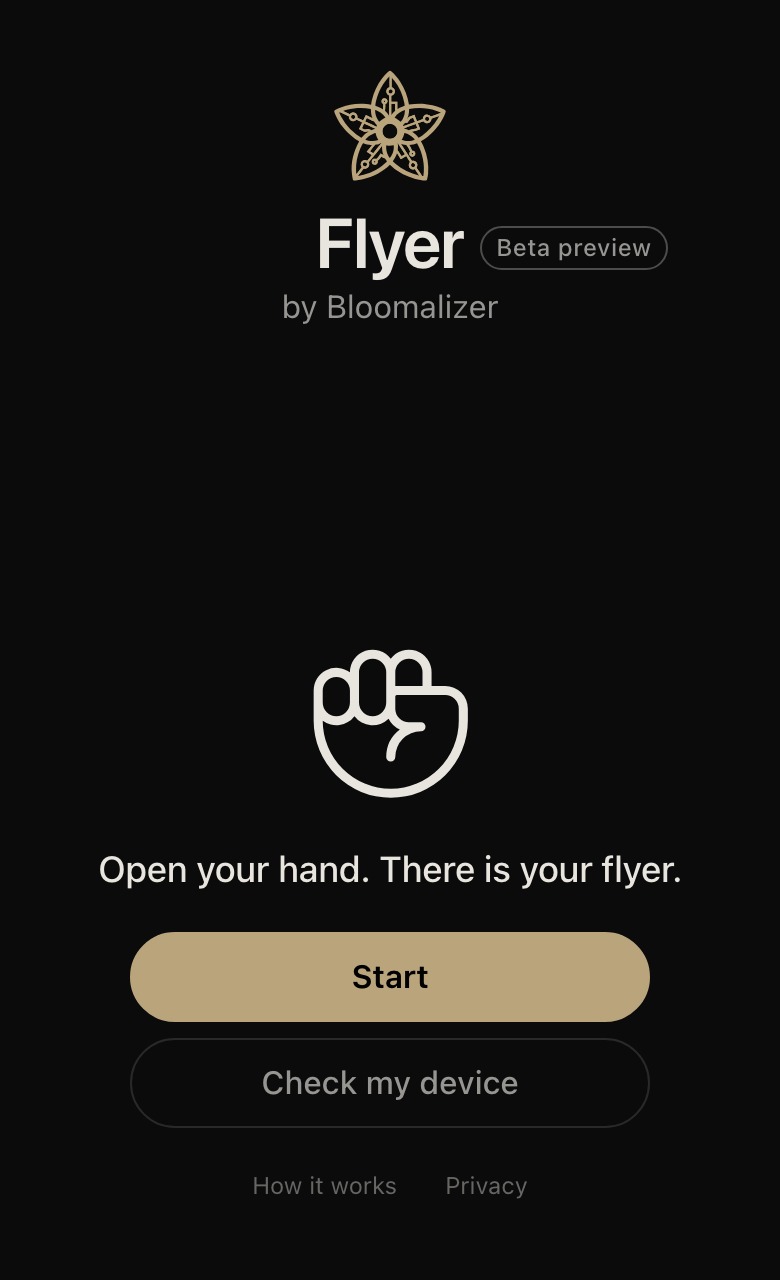
The start screen shows the two moves. Start downloads hand tracking once (about 20 MB), then you add a picture — or take the sample flyer — before anything asks for the camera. Open the camera is when the browser asks permission: the camera is how Reveal sees your hand, and it appears in your clip only if you leave Show my face on. The microphone is asked for only with Use my voice on.
- Make a fistYour picture hides in your hand
- Open your handIt appears, sharp and centred
Two moves, that is all. Reveal shows them on the first start and ticks each one when the camera sees it.
What you do
- Add your pictures. A flyer, a release cover, a product shot, up to ten, numbered in the order they will show. No flyer yet? Start from the sample template. They stay on the phone and are still there next time.
- Record and speak. Choose Show my face and Use my voice, then one tap starts an empty take. Talk to camera as you would for any post.
- Fist hides, open hand reveals. Close your fist; open it and the next picture puffs out of your palm as particles and settles in the centre in about half a second. A fist pulls it back in. The next open hand shows the next picture, in the order you added them, round and round.
- The frame. 9:16 for reels by default; 1:1, 16:9 and 4:5 are in the menu. The stage on screen is masked to the clip, so what you see is what is recorded.
- Share. Send the clip to any app, save it, or copy a caption. Every clip carries a small bloomalizer mark.
Every step, and what to do when a move is not seen: the Reveal guide.
What you need
A recent phone with a camera — iPhone Safari or Android Chrome — or a laptop with a webcam, and a bit of light on your hand. Open it in the browser itself rather than inside Instagram, Facebook or TikTok; the start screen says how. Hand tracking is downloaded once, about 20 MB. Check my device on the start screen says whether this device will keep up before you record. On a slower phone Reveal lowers the picture detail while it records, and the clip, to stay smooth. Phones work today, right in the browser. Native iPhone and Android apps are in development and not available yet.
No account; pictures stay with you
Reveal never asks you to sign up: every picture, every take, every format, with a small bloomalizer mark on each clip. Your pictures and clips stay on your device; the only thing measured is anonymous page views (Reveal's privacy page). For more tricks — objects you throw, a window between two hands, vanishing from the picture — there is Magic; for visuals to your music on a laptop, the studio.
Beta preview An early look: it works, it changes often, and an update is coming soon.