Visuals you play.
Nothing to install, nothing uploaded, no manual to read.
Try the beta preview now.
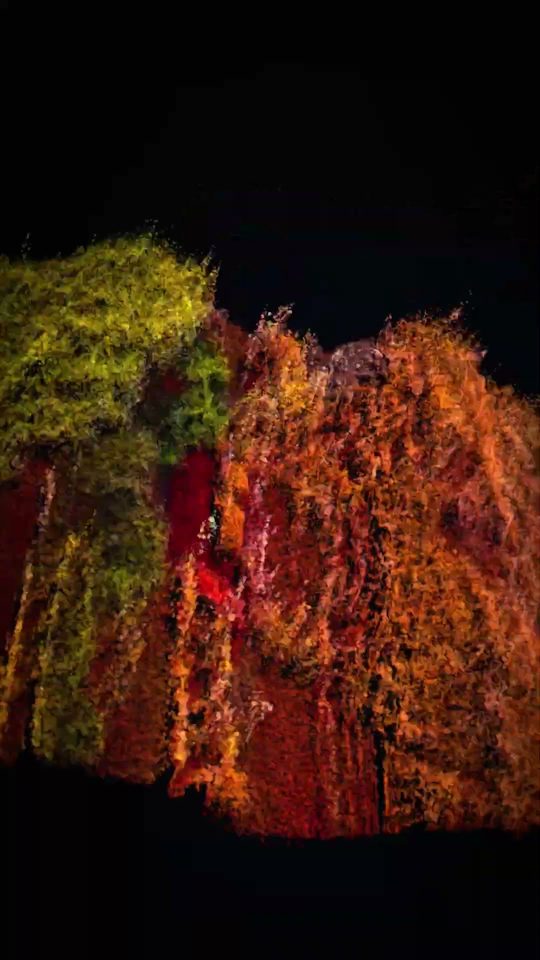
Promote my event Beta
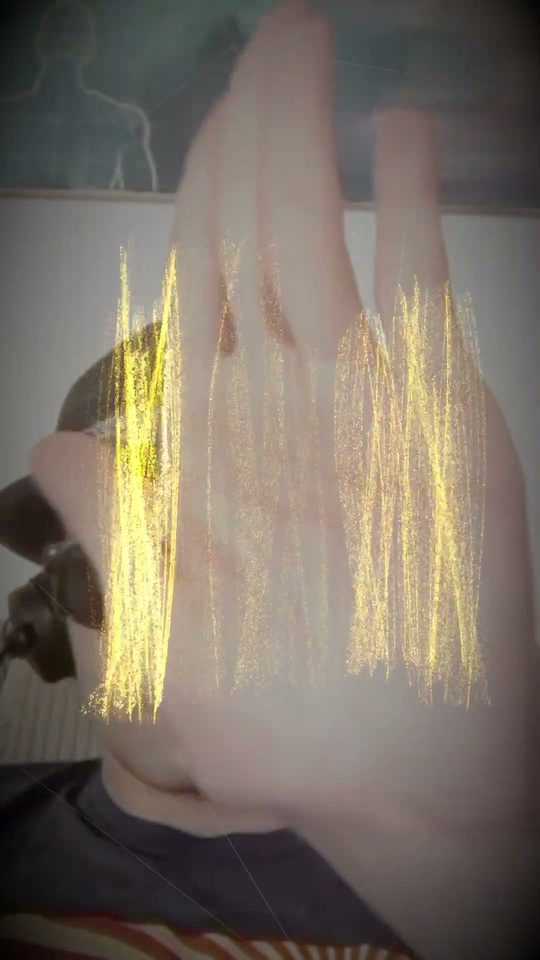
Open your hand. There is your flyer.
Open FlyerNo account. Any recent phone.
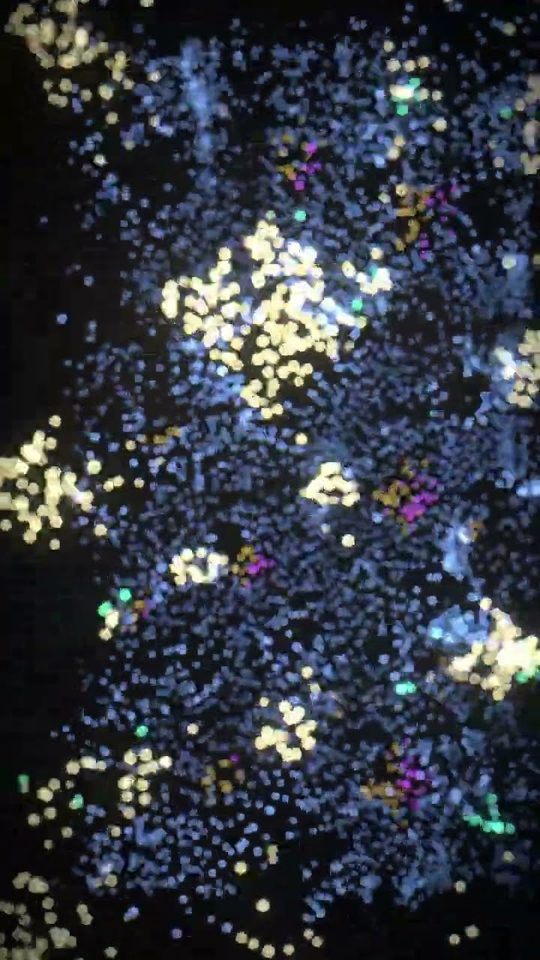
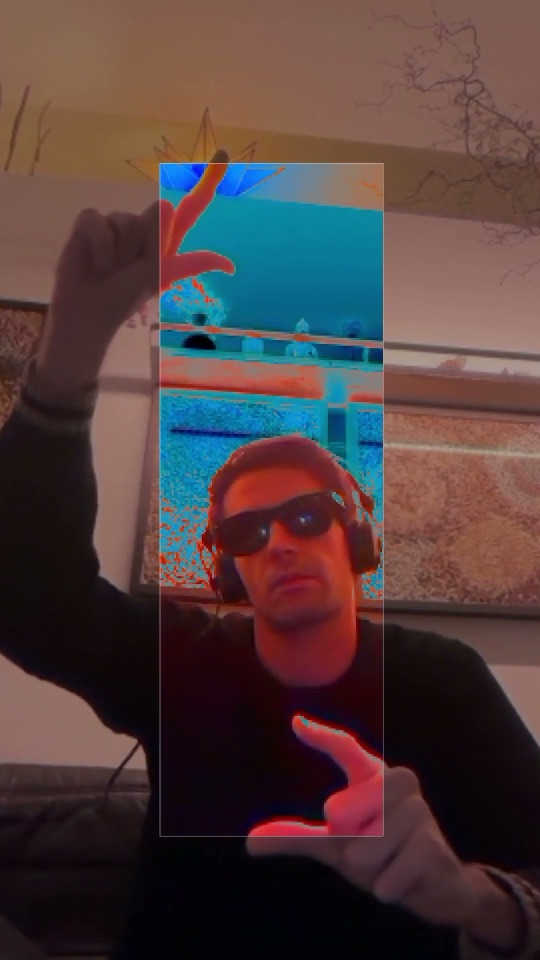
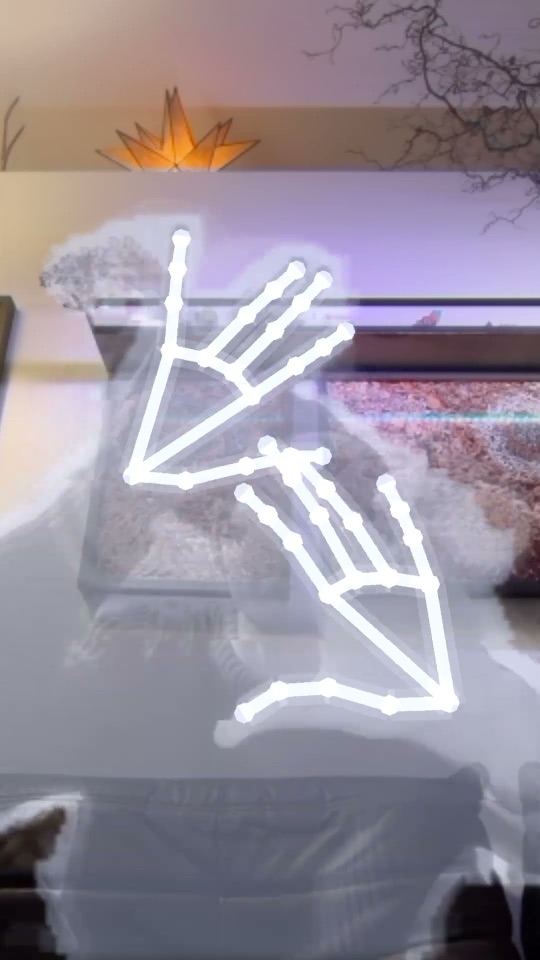
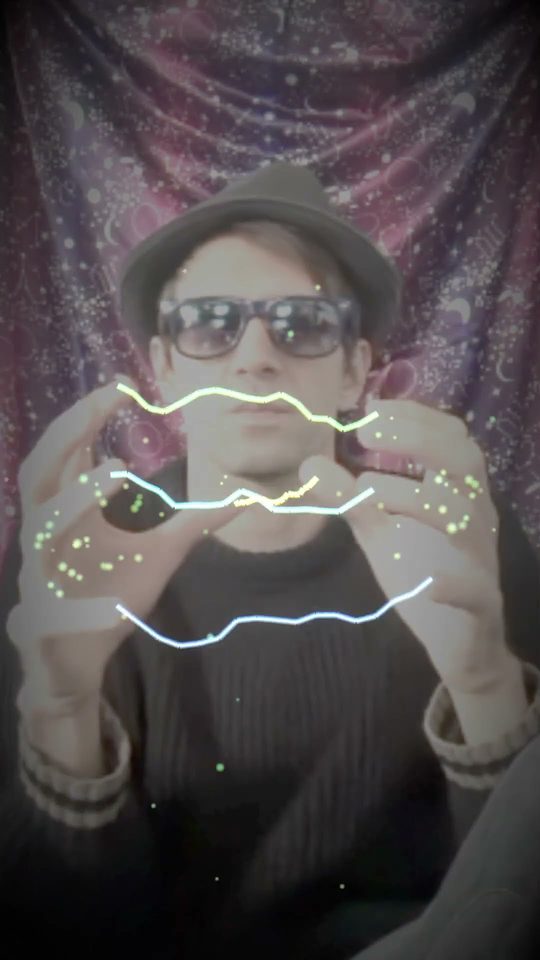
Do magic tricks on camera Beta
Hands in. Summon, vanish, smash the screen.
Open MagicA recent phone with a camera. One account works in Magic and the studio.
Double-click or double-tap to shuffle. Drag with your mouse to move it.Double-tap to shuffle.
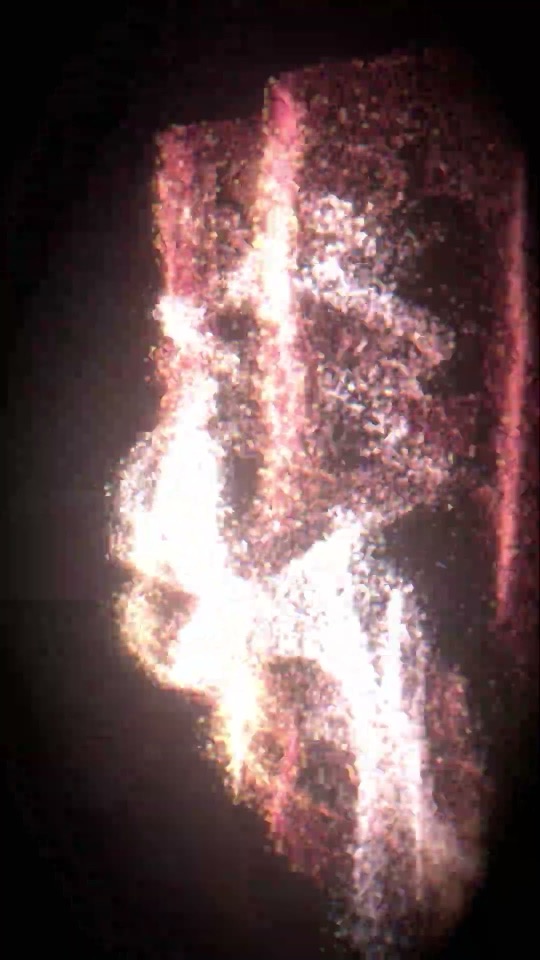
Visuals for my music Beta
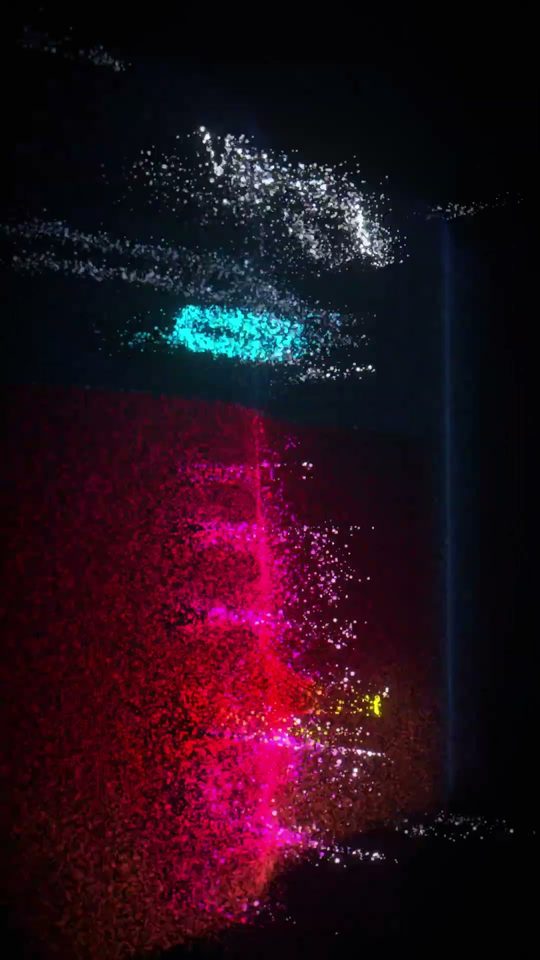
Music in. Reels or the party out.
A live preview of the Studio visualizer.
Double-click or double-tap to shuffle. Drag with your mouse to move it.Double-tap to shuffle.
Open StudioBest in Chrome on a laptop.
Studio is the laptop app. Flyer and Magic, below, are made for your phone.






Questions
Do I need an account?
Only to record. The studio and Magic open for anyone, and Flyer never asks for one; an account keeps your clips and your invite code. Signing in on the studio or Magic signs you in on both.
Which browsers and phones does it work on?
Bloomalizer runs in your browser and works best in Chrome. Safari works too, except sharing a screen or a tab. Phones work today, right in the browser; an iPhone app and an Android app on Google Play are on the way. Flyer and Magic are made for the phone; the studio is made for a laptop or desktop.
Where do my audio and video go?
Nowhere. Sound, video, camera and screen are processed in your browser and never uploaded. The only thing that ever leaves your device is the device profile you send yourself with the Report button.
Invites, your link and what is coming: more questions.